

How to Apply
Follow the below steps on how to login or register on COEEBAA
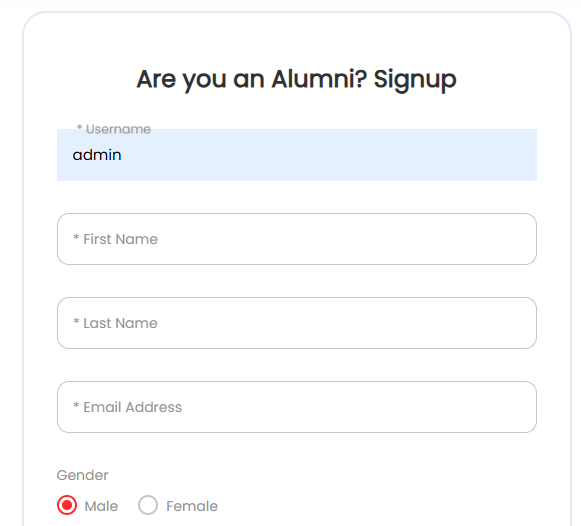
Steps for Apply Online
Select Profile Details
Fill your username, first-name, last-name, email, gender, etc
Pick a Plan
Select if you are to pay for your monthly dues now before registering or you select FREE PLAN to pay later
Click Submit
After clicking submit button, you check you email for activation email and activate. Then go back to login into your account to complete your profile or pay your dues.
Update Profile
When you login, please do update and complete your profile information, upload profile photo and cover photo.
Pay for Monthly Dues
You can also pay for your dues
On how to Pay
You pay trough transfer for now. Fill the form with the transfer details and as soon as the admin approve your payment, it will reflect in your profile page. Make sure you alert the PRO about your payment for confirmation

Frequently Asked Questions
Only an Alumni of the school can register
NO! The registration is FREE.
As a member, you can check events, news, photos, videos, online meetings, pay dues, make donations and check or post jobs
Reach out to the PRO